Software documentation tools help unify and simplify the process of recording and managing information about software for both end-users and developers.
This can include coding instructions, developer notes, user manuals, system requirements, design specs and more. Software documentation tools are invaluable for ensuring that all stakeholders have up-to-date access to relevant project details without having to spend time manually entering or tracking down information. This is essential for fast-moving teams.
Straight off the bat, here are a few things you should look for in software document tools:
- Generate comprehensive process maps effortlessly.
- Capture screenshots with mouse clicks, hotkeys or combinations.
- Break down critical concepts with different visual components.
- Draw on images and add missing details for further context.
- Export documentation in a range of useful formats.
With the right software documentation tool in your corner, developers and designers can quickly access project knowledge and collaborate in real-time. The best tools will enable teams to easily create documents, cut down on redundancies, track changes over time, and even allow you to capture workflows in real-time with screenshots breaking down your processes.
The 10 best software documentation tools
Different tools solve different documentation problems. This list covers the full range — visual step-by-step guides, team wikis, knowledge bases, and developer docs — with an honest note on what each tool is best at.
1. Folge — best for visual step-by-step guides and manuals
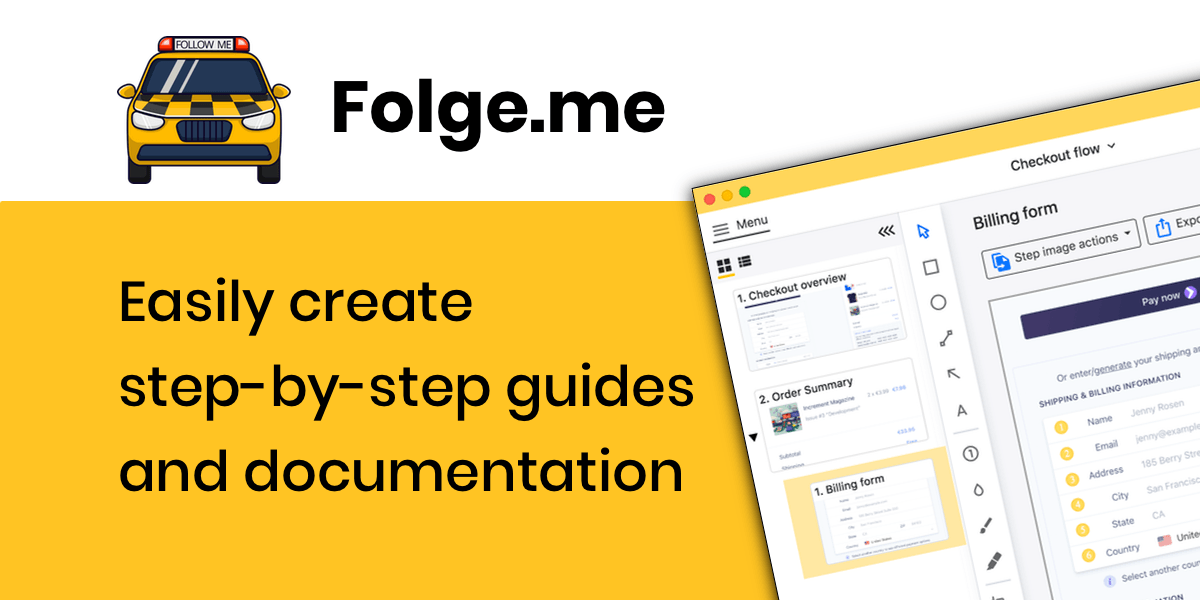
Folge is a desktop app (Windows and Mac) that captures a screenshot on every click as you perform a task, then turns the recording into a numbered, annotated step-by-step guide. You edit steps in a WYSIWYG editor and export to PDF, Word, HTML, PowerPoint, and more formats. Because it runs locally, your screenshots never leave your machine — a real advantage for internal tools and sensitive data. It's a one-time $89 purchase rather than a subscription, and there's a free version to start with. Full disclosure: Folge is our product — which is why it's first — but the 4.9/5 rating from 75+ Capterra reviews isn't ours to write.
2. Scribe — best for quick browser workflow capture
Scribe is a browser extension that records web-based workflows and generates shareable step guides automatically. Very fast for browser-only processes; cloud-based with a subscription model. If you work mostly outside the browser or need offline/private capture, see our detailed Folge vs. Scribe comparison.
3. Confluence — best for team wikis
Atlassian's Confluence is the de-facto standard for internal team documentation: pages, spaces, comments, and deep Jira integration. It's where documentation lives for many software teams — Folge even has a native Confluence export for embedding step-by-step guides in your wiki.
4. Document360 — best for customer-facing knowledge bases
A dedicated knowledge-base platform with versioning, analytics, category management, and a public/private portal split. Strong choice when product documentation is a first-class deliverable with its own team.
5. GitBook — best for developer documentation
Git-backed docs with Markdown editing, branch-based workflows, and a clean reading experience. Developers can treat docs like code — pull requests included — while non-technical teammates use the visual editor.
6. Notion — best all-purpose workspace
Not a dedicated documentation tool, but many teams keep internal docs, runbooks, and onboarding pages in Notion because everything else already lives there. Flexible databases and templates; weaker on structured exports and versioned technical docs.
7. ClickHelp — best for professional technical writers
An online help-authoring tool with single-sourcing, conditional content, and multi-format publishing — features technical writing teams expect from traditional HAT software, delivered in the browser.
8. ScreenSteps — best for call-center and ops knowledge
Combines a knowledge base with step-by-step article authoring and in-app checklists, aimed at operations teams that need agents to follow procedures exactly. Compare with Folge vs. ScreenSteps.
9. Docusaurus — best free option for product doc sites
Meta's open-source static-site generator builds versioned documentation websites from Markdown. Free, fast, and developer-friendly — you host it yourself and bring your own editing workflow.
10. iorad — best for interactive in-browser tutorials
Captures a workflow and replays it as an interactive try-it-yourself tutorial rather than a static document. Useful for training on web apps; see Folge vs. iorad for how the approaches differ.

Why do documentation software tools matter?
Using the right software documentation tools can help your project run more smoothly and efficiently, saving time and money in the long run. Whether you are working on an open source project, managing a team of developers, or building a new software product, it’s important to find an effective software documentation tool to meet your specific needs.
To summarize, here are the key benefits of documentation software tools:
- Streamline the documentation process
- Reduce redundancies and save time
- Capture workflows in real-time with screenshots
- Create engaging user manuals and guides
- Improve team collaboration and communication
- Enable users to hit the ground running with your product
How to choose the right documentation tool
Match the tool to the primary output. If your documentation is mostly "how do I do X" guides with screenshots — user manuals, training docs, internal procedures — a capture-based tool like Folge saves the most time, because the screenshots that eat 80% of the effort are produced automatically. If it's a team knowledge repository, pick Confluence or Notion. If it's a public product docs site, pick Document360, GitBook, or Docusaurus.
And they combine well: many teams capture procedures in Folge and publish them into Confluence or their knowledge base. You can get a personal or business license for a one-time fee — or just download Folge for free and see if the capture workflow fits before paying anything.
Training Document Software (5 Key Features)
Make it easy to add images and videos
To successfully communicate concepts and procedures, adding images and videos is a key component of training document software. The ability to add multimedia content makes manuals more engaging, no matter what device they are viewing the manual on.
Format text professionally
The best training document software will make it easy to format text so that your manuals look professional. This includes features like headings, lists, and tables. With the right tools, you can quickly add and format text without having any design experience.
Create links within the document
Including links in your manuals makes it easy for users to navigate to related information. This is especially useful if you have a long document or if you want to include links to external resources.
Optimize for different screen sizes and devices
To ensure your training manuals are highly practical, it is important to consider how they will be accessed. The best training document software solutions are designed to optimize manuals for different screen sizes and devices.
Share manuals online or download these as PDFs
Once you have created your manual, you will need to decide how to share it with others. The best training document software solutions make it easy to share manuals online or download these as PDFs, HTML files, PowerPoint presentations, and more.
Training Documentation Software (Top Pick)
As an app for creating step-by-step guides and tutorials with screenshots. Folge is well-equipped to help you create manuals for employee onboarding or customer service training. The platform enables you to capture screenshots of key processes. You can make screenshots with mouse clicks, hotkeys or combinations to immerse readers in the experience.
Frequently Asked Questions
What is the best free software documentation tool?
For documentation websites, Docusaurus is free and open source. For visual step-by-step guides, Folge's free version lets you create guides with automatic screenshot capture without paying; Notion's free tier works for lightweight internal docs.
What's the difference between a documentation tool and a knowledge base?
A documentation tool is what you author with — it captures or edits the content. A knowledge base is where finished documentation is organized and searched. They often pair up: guides created in a tool like Folge get published into a knowledge base like Confluence or Document360.
What tool should I use for documentation with lots of screenshots?
Use a capture-first tool rather than a word processor. Taking, cropping, and annotating screenshots by hand is the slowest part of documentation; tools like Folge or Scribe generate the screenshots automatically as you perform the task, then let you edit the steps.
Are you ready to get started? Download Folge for free today.